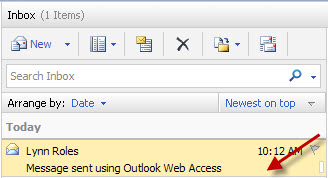
- In the Inbox double-click on the message that you want to forward.
The message will open in a new window.
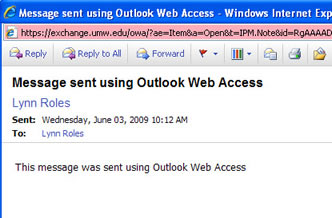
- Click the Forward button.

- The original message will open within a new window. The To and Subject fields will be completed. Additional recipients may be added within the To and Cc fields as required. The letters, FW: (forward) will be inserted in front of the subject text. If desired, you may type a new message above the existing one.
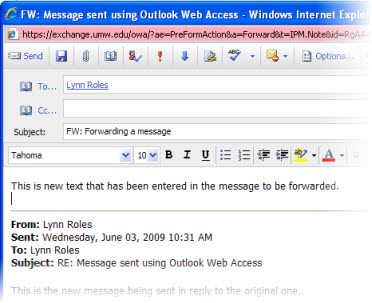
- After all fields have been completed, click the Send button.

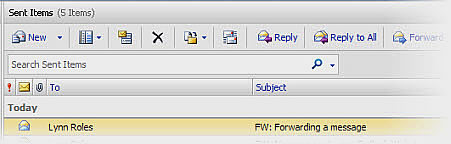
- A copy of the forwarded e-mail will be saved in your Sent Items folder.